XPENG owner answers
Find practical UK XPENG owner answers for app, key, screen, charging, software and vehicle symptoms, with evidence limits made clear.
Filtered results
6 matches
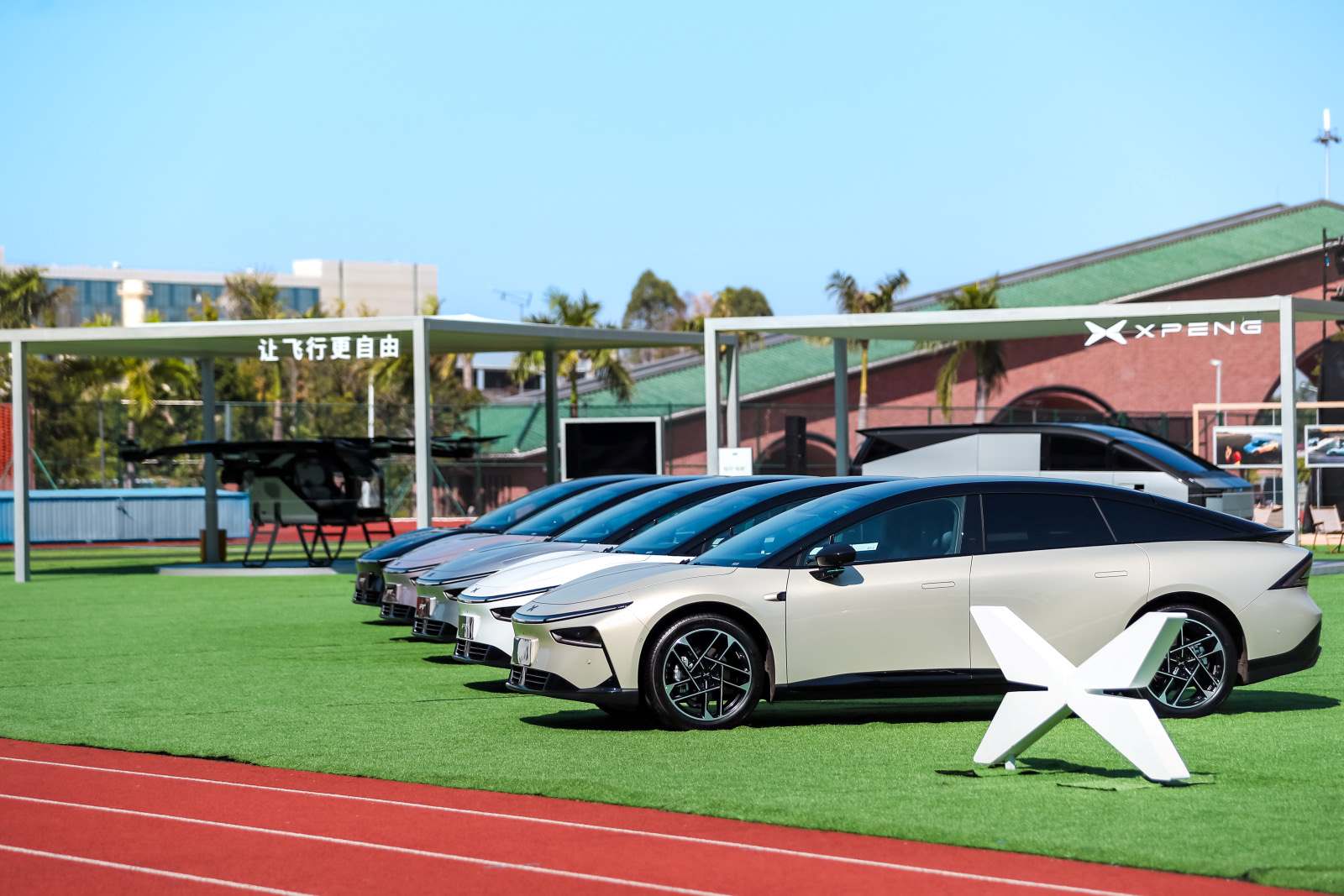 P7+
P7+XPENG P7+ Bluetooth phone will not connect: pairing and priority checks
Identify media, projection, account or phone-key Bluetooth before removing the relevant P7+ connection and pairing again.
Read guide → P7+
P7+XPENG P7+ charging cable will not release: safe unlock order
End the session, unlock normally and use the P7+ emergency-release route only when the handbook conditions are satisfied.
Read guide →P7+XPENG P7+ completely unresponsive: low-voltage battery route
Use the P7+ handbook’s own low-voltage rescue points and avoid instructions written for a G6, G9 or X9.
Read guide →P7+XPENG P7+ phone key setup or automatic unlock not working
Create the P7+ Bluetooth key, grant the permissions it needs and distinguish Bluetooth from NFC operation.
Read guide →P7+XPENG P7+ scheduled charging not starting
Set slow-charging appointment in the P7+ or app, then remove conflicting charger-side schedules.
Read guide →P7+XPENG P7+ wiper service position and blade replacement
Move the P7+ front wipers into maintenance position before changing a blade or lifting an arm.
Read guide →