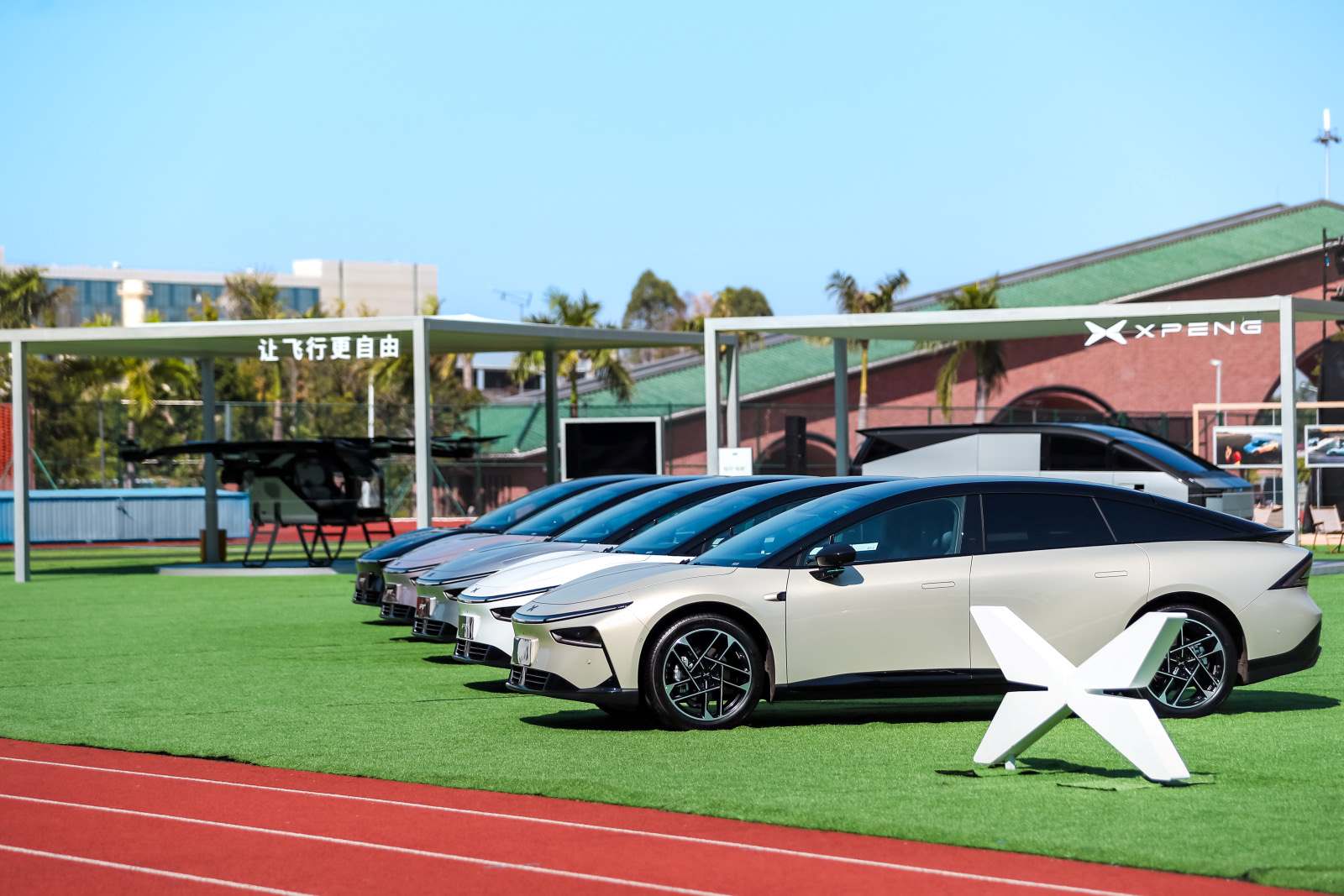
A P7+ can see the same phone in several contexts. Calls and music, projection, account preferences and digital key access should be tested separately. Start with the user-visible symptom rather than a blanket reset.
Before you start
Park the car, keep a physical access method with you and close unnecessary media or projection sessions. Confirm that the intended phone has Bluetooth, nearby-device permissions and enough battery for testing.
Do this in order
- State the task that is failing: call, music, phone projection, automatic profile, unlocking or authorising Drive.
- Check Device Connection on the central display and the Bluetooth list on the phone. Note whether each side says connected, saved or unavailable.
- Move other paired phones away or switch their Bluetooth off briefly, then select the intended phone explicitly.
- For calls and audio, remove only the relevant media pairing on both sides, restart normally and pair again while the vehicle remains in Park.
- For phone key, open the XPENG app and follow the P7+ key activation or management prompts. Do not create it from the ordinary media pairing screen.
- Test after leaving and re-entering the vehicle so automatic priority and background operation are included.
If that did not solve it
- Confirm the requested contact, microphone, Bluetooth and background permissions.
- Check whether the phone is applying power saving to the XPENG app.
- Try wired projection to isolate a wireless-projection problem.
- Use a second compatible phone for comparison without deleting the established backup key.
What success looks like
The selected phone connects first when expected, calls and audio use the car correctly, and digital-key access remains a distinct, tested function with backup entry available.
Prepare a useful support handover
Do not keep repeating resets or changing unrelated settings. Record the following while the symptom is fresh:
- Record exact P7+ variant, market and XOS version.
- Note phone hardware, operating system and XPENG app version.
- List every connection type tested and the exact error or on-screen state.
Keep passwords, verification codes, precise location history and unrelated personal information out of screenshots or messages.
Exact-car and safety boundary
The indexed manual may describe equipment or menu wording that differs from a final UK vehicle. Follow the car’s own prompts and UK-supplied documentation where they differ.
Manual evidence: P7+ 2026 English owner manual; PDF pages 57–83 and 160–168. The owner manual is the controlling source for the exact vehicle and installed software.
Other ways owners describe this
P7 Plus Bluetooth not working, phone will not pair, wireless CarPlay drops, wrong family phone connects, phone key not connected, Bluetooth audio unavailable.